
Phones look different, and it’s not just cosmetic
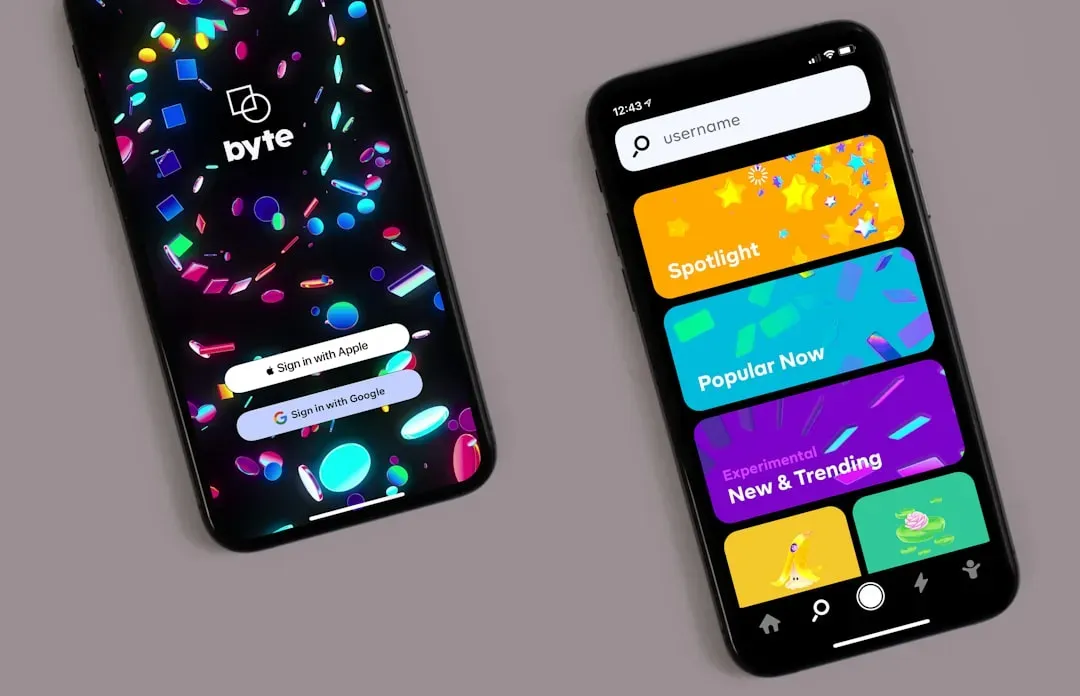
Apple’s iOS 26 introduced the biggest visual shift to the iPhone interface in over a decade. iOS 26 brings the first new major design change that Apple has brought to iOS since iOS 7, with the new Liquid Glass look becoming the basis of the next decade of iOS design, reflecting and refracting its surroundings while putting more focus on content. The effect touches nearly everything on the screen. Many interface elements are almost entirely translucent, and the design extends to controls, navigation, app icons, menus, buttons, and widgets.
The next version, iOS 27, is pushing further on speed rather than looks. Apple promises smoother animations, better responsiveness, and improved speed across the platform, including 30% faster launch times for iPhone and iPad apps, and photos appearing in your library 70% faster than before. For anyone who just wants their apps to open a little quicker each morning, that’s the kind of update that matters more than a new wallpaper.
Maps that start anticipating your
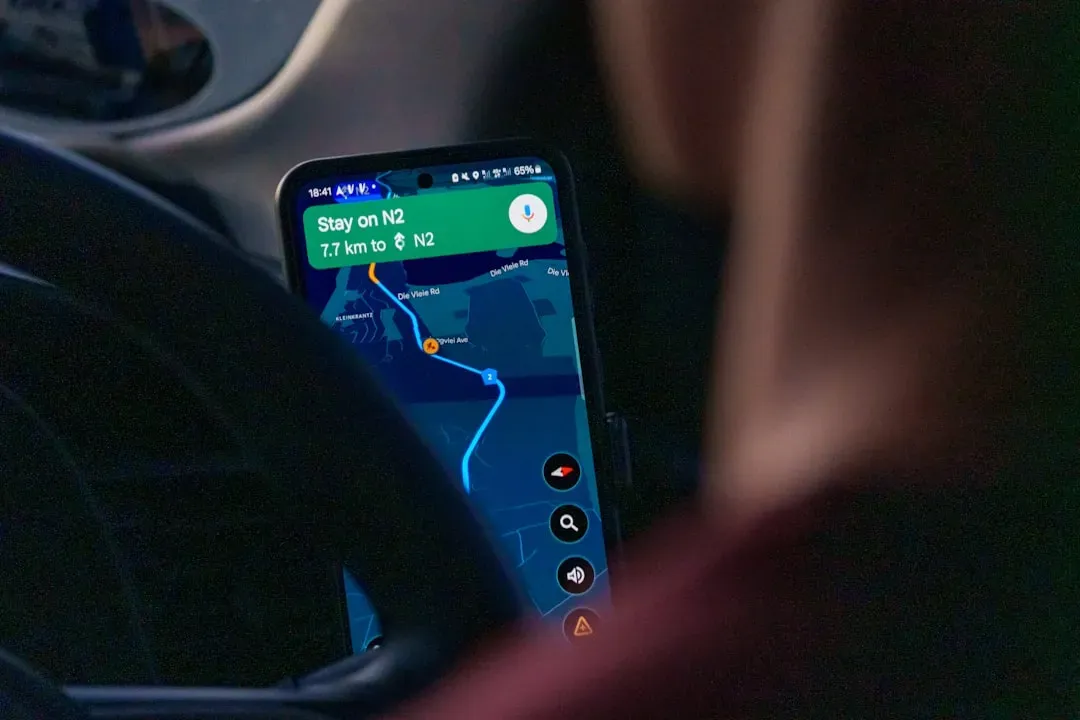
Navigation apps have quietly gotten smarter about routine. In iOS 26, Apple’s Maps app now pays attention to patterns instead of treating every trip as new. Maps learns your preferred routes to places you go often, like work or home, and will notify you of conditions on your preferred route, such as traffic delays or road closures, before you head out, offering an alternate route.
There’s also a small but useful memory feature built in. Visited Places lets you keep track of where you’ve been, so you can recall them later and share with friends or family. It’s not a dramatic change, but it turns Maps into something closer to a personal travel log rather than a one-time direction tool.
Switching phones no longer means losing your chats
For years, moving from an iPhone to an Android device, or the reverse, meant saying goodbye to years of message history. WhatsApp finally closed that gap in 2026. WhatsApp’s chat transfer feature now supports moving your chat history from iOS to Android, in addition to within the same platform.
The change removes one of the most common frustrations tied to buying a new phone. Now, with just a few taps, conversations, photos, and videos easily come with you no matter what device you’re using. It’s a small fix in engineering terms, but a meaningful one for anyone who has ever hesitated to switch phone brands purely to avoid losing chat history.
Messaging apps are adding quiet daily conveniences
Beyond the big transfer feature, WhatsApp has layered in a handful of smaller updates that add up over time. You can now have two WhatsApp accounts logged in at the same time on iOS, just like on Android, so there’s no need to carry two phones to keep work and personal chats separate, and your profile picture is now visible in the bottom tab so you always know which account you’re in.
Storage management got attention too, which matters for anyone whose phone fills up fast with forwarded photos and videos. If your phone has 64GB or 128GB of storage, stopping WhatsApp from filling up with auto-downloaded media is a real concern, and this update makes it much easier to manage by letting you open Settings, then Storage and Data, then tap Manage Storage. Small touches like sticker suggestions while typing round out an app that increasingly tries to anticipate what you need before you ask for it.
App stores are becoming more conversational
Google’s Play Store picked up a feature that changes how people search for apps altogether. The Android June 2026 updates introduced an AI-powered Ask Play search experience directly inside the Play Store, followed quickly by real-time streaming responses and more flexible answer formats through Ask Play Highlights on search results.
Instead of scrolling through a static list of results, the store now behaves more like a conversation. Rather than returning a fixed list of apps, Ask Play can surface contextual explanations and recommendations as you refine your query. Google also added a transparency feature that’s easy to miss but worth knowing about: Play Store v52.1 now marks AI-generated app images with a visible AI label.
Passwords are finally becoming portable
One of the more overlooked updates in 2026 deals with something almost everyone struggles with: managing passwords across different apps and devices. Android phones will now allow you to more easily import and export your passwords or passkeys between third-party password managers and the Google Password Manager, made possible by a new Credential Exchange Standard.
This kind of update rarely gets attention because it doesn’t come with a flashy interface change. Still, it solves a real annoyance for anyone who has ever felt locked into a single password manager simply because switching seemed too complicated. Combined with steadily improving autofill accuracy, it’s one of those quiet fixes that saves a few seconds dozens of times a week.
Windows PCs feel snappier without any settings changes
Microsoft’s approach to Windows 11 in 2026 has leaned heavily into performance tweaks that work invisibly in the background. Starting with the June 2026 update, Microsoft introduced the Low Latency Profile, a feature that temporarily maxes out the processor frequency for one to three seconds during interactive tasks, designed to reduce delays during actions like opening apps or flyouts such as the Start menu.
The measured gains are notable given how little most users have to do to benefit. This implementation can result in up to 40 percent faster launch times for applications and up to 70 percent faster interaction times with system features, and it works automatically without any option to turn it on or off. It’s a good example of Microsoft focusing on parts of the operating system people interact with constantly, rather than headline features.
Windows adds a real safety net for when things go wrong
Anyone who has watched their computer freeze mid-update knows the particular dread of wondering whether their files survived. Microsoft’s July 2026 update addressed that directly. Starting with the July 2026 Security Update, Microsoft introduced Point-in-time Restore, a recovery feature designed to quickly roll back a system to a previous good working state, working automatically and creating restore points using the Volume Shadow Copy Service, enabled by default in Home and Pro editions provided the system has at least 200GB of storage.
The same update tackled a long-standing complaint about forced restarts interrupting work. This release also introduces new Windows Update changes that allow users to pause updates indefinitely. Neither feature will show up in a product demo video, but both are the kind of thing people will genuinely appreciate the first time they need them.
Small hardware conveniences are spreading across devices
Some of the most noticeable -to- changes involve how devices share things with each other. Windows 11 introduced a feature that Apple users have had for a while, letting two people listen to the same source at once. Shared Audio lets two people listen from a single Windows 11 PC at the same time via Bluetooth LE Audio.
Google has made similar small but useful additions across its Pixel lineup. Selfie videos are now built into screen recordings, so you can create your very own green screen without needing other apps. On the watch side, one-handed gestures let you pinch twice to answer calls, snooze alarms, or play music, and you can silence calls and dismiss notifications with just a flick of your wrist. None of these features will make a keynote highlight reel, but each one removes a tiny bit of friction from a daily routine.
The takeaway
None of the updates covered here are the kind that generate excitement on social media. There’s no dramatic redesign, no single feature that changes how you use technology overnight. What they share instead is a focus on removing small annoyances: a lost chat history, a slow app launch, a password stuck in the wrong manager, a computer that won’t let you finish your work before rebooting.
Taken individually, each update is easy to overlook. Taken together, they represent a steady, almost invisible improvement in how smoothly our devices fit into daily life. The next time an update notification appears, it’s worth remembering that the most useful changes are often the ones you never hear about until you need them.